Docker visibility
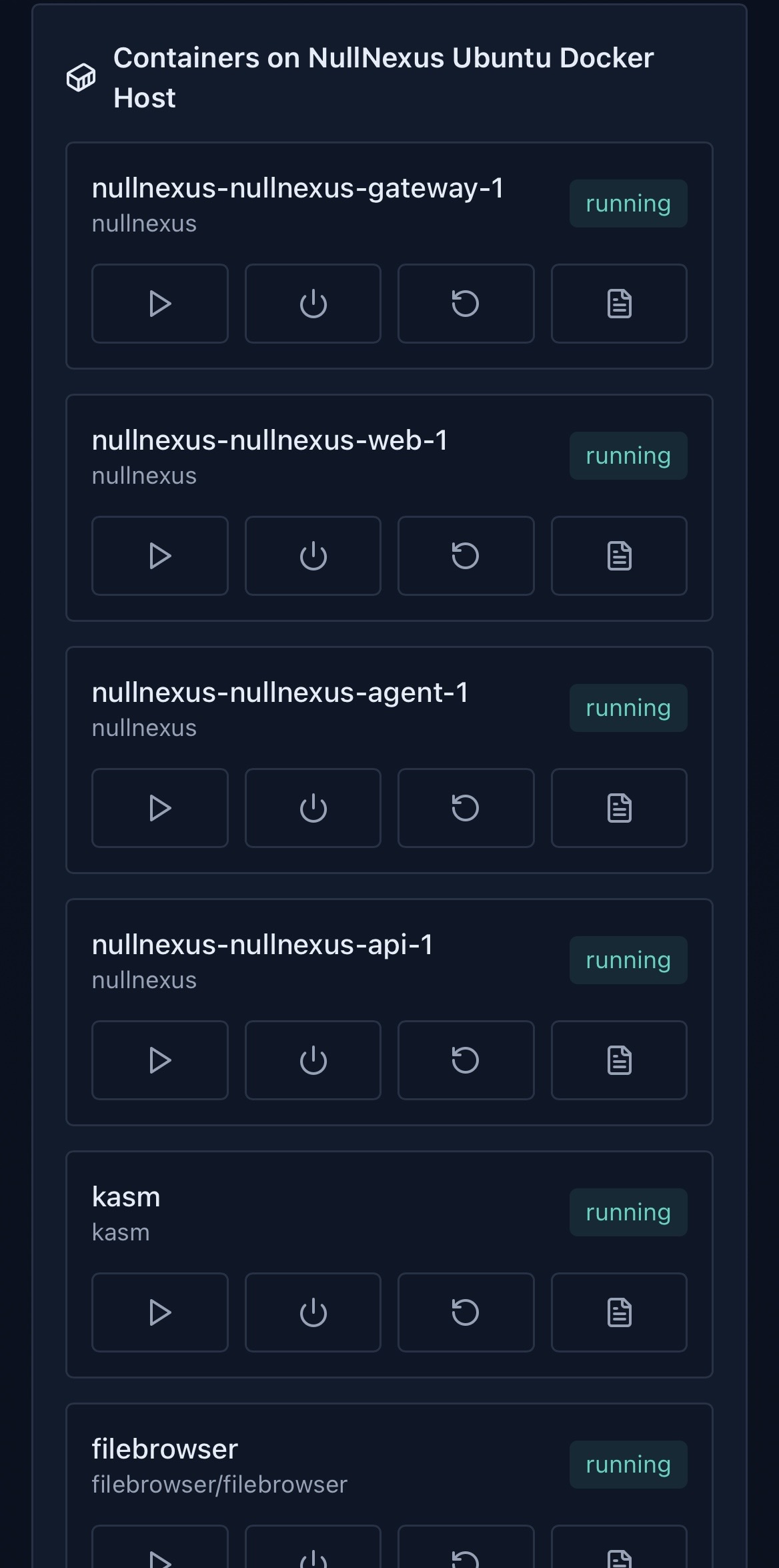
Inspect running and stopped containers, images, ports, state, and restart counts.
 NullNexus
Self-hosted infrastructure operations
NullNexus gives homelab, sysadmin, and DevOps users a focused web dashboard for containers, host health, services, logs, and browser-based SSH access.
curl -fsSL https://nullnexus-prod.pages.dev/install.sh | sudo bash
Capabilities
Inspect running and stopped containers, images, ports, state, and restart counts.
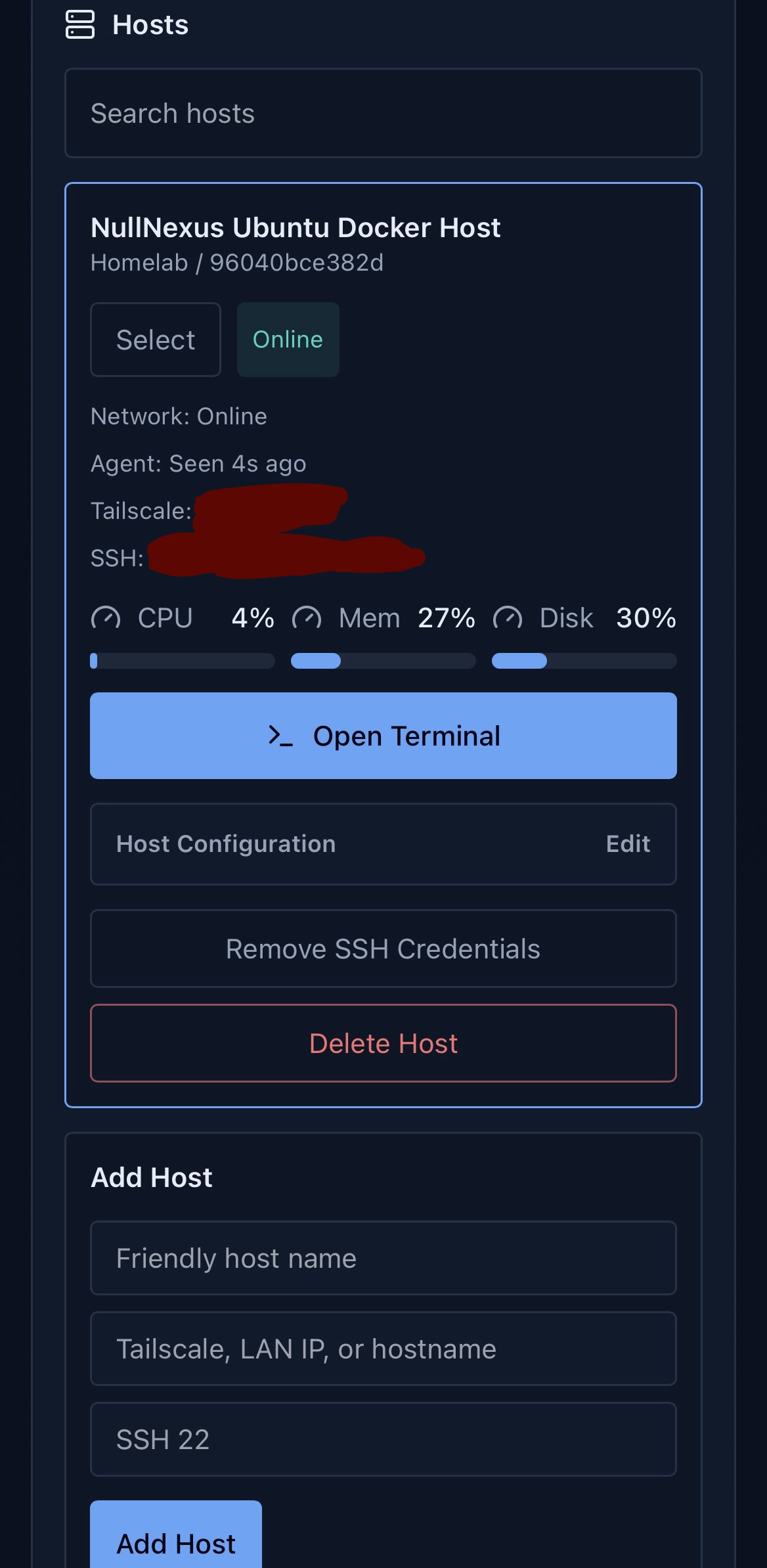
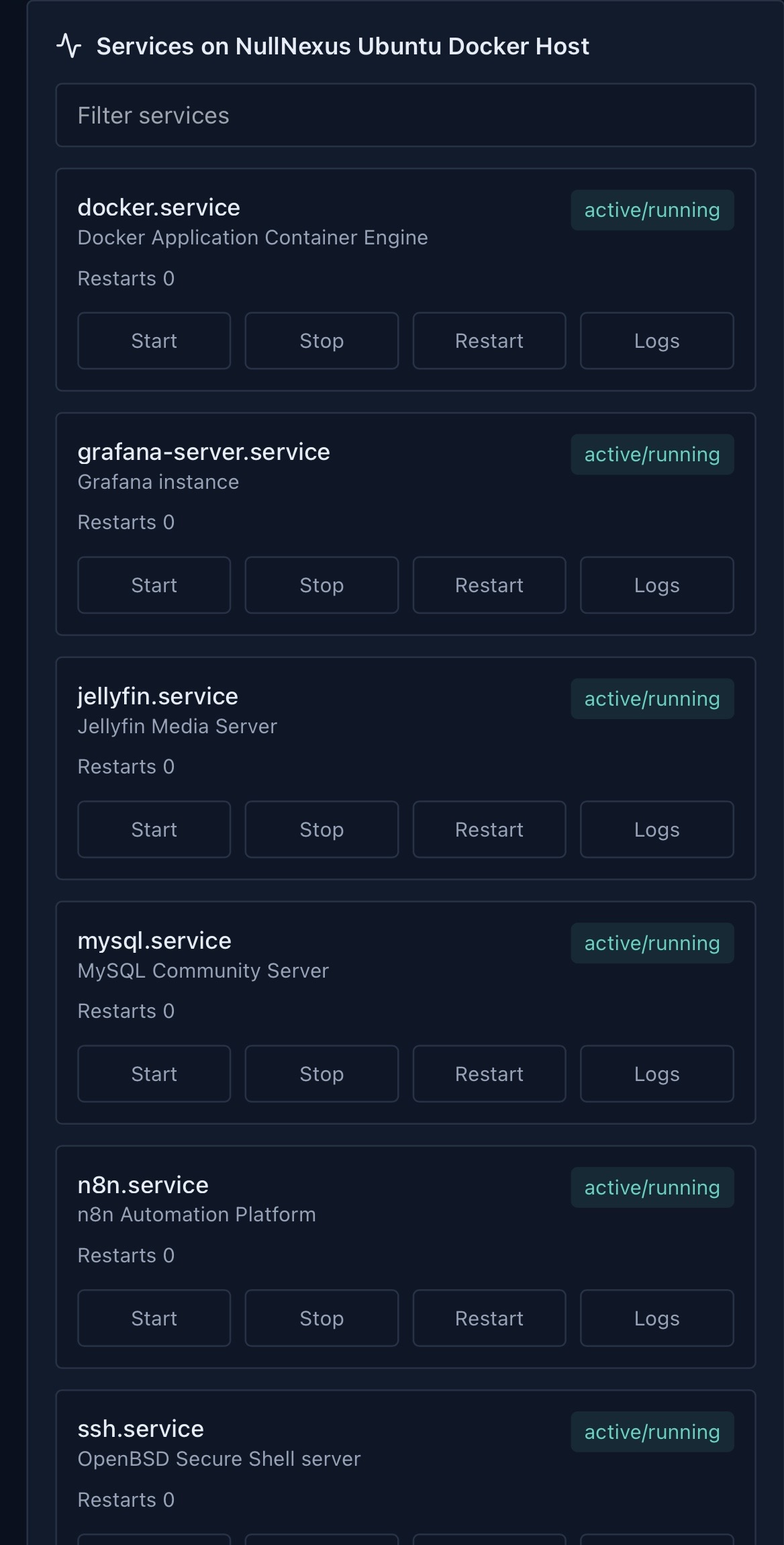
View important systemd services and run approved start, stop, and restart actions.
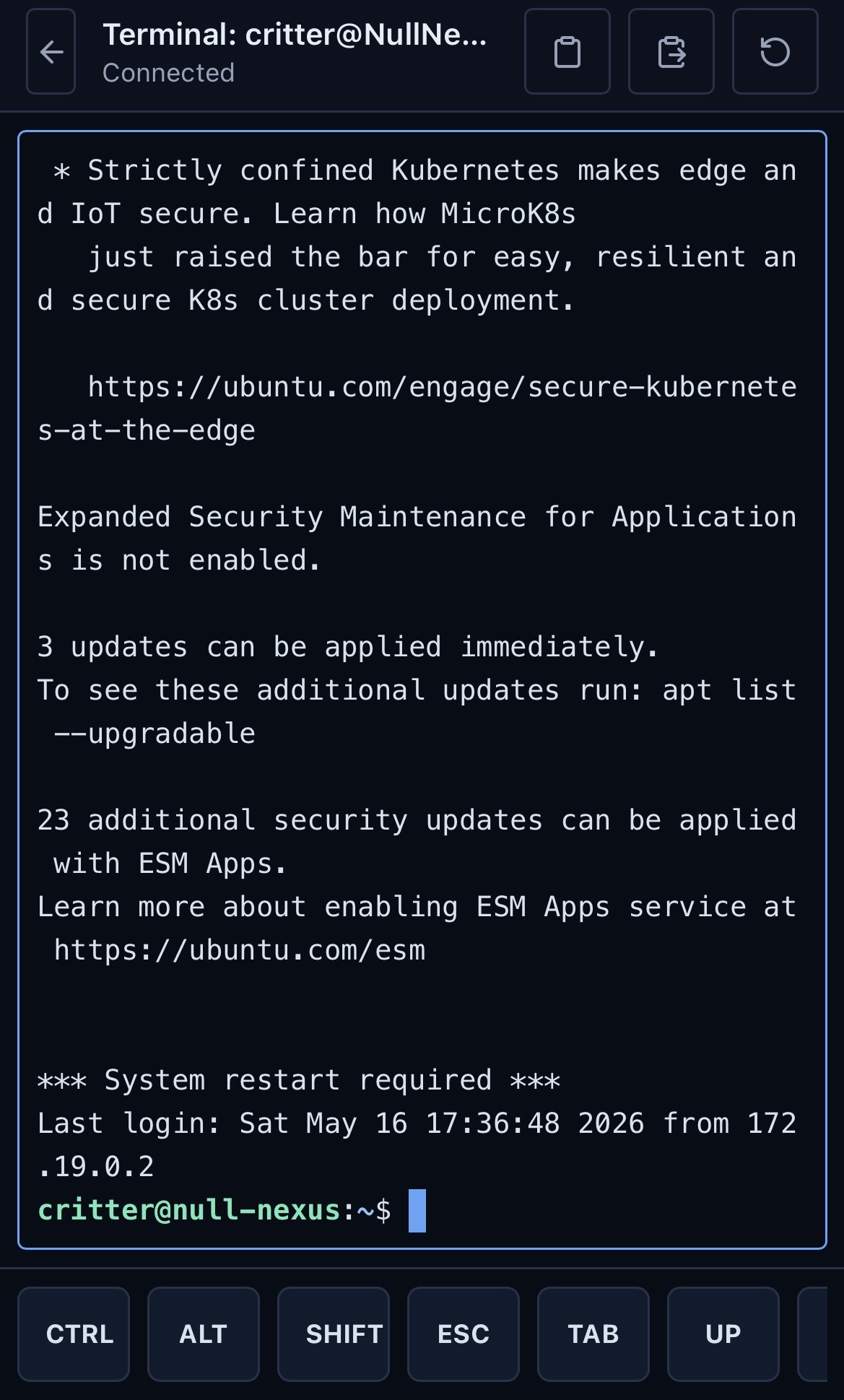
Open a role-gated terminal session from the web UI for configured hosts.
Store per-host SSH settings locally and connect through the NullNexus gateway.
Review container logs and service journal output without leaving the dashboard.
Export operational logs as `.log` or `.txt` files with line and time filters.
Designed for private LAN and Tailscale access instead of public exposure.
Prepared for 64-bit ARM deployments and lightweight self-hosted environments.
Use core dashboard workflows from desktop, tablet, or phone screens.
Architecture
NullNexus keeps deployment simple: an Nginx gateway, a web dashboard, a FastAPI backend, and a local agent that talks to Docker, systemd, and journal logs.
Install
The installer creates the production Compose configuration under /opt/nullnexus, detects Tailscale and LAN access options, pulls verified CyberRift images from Docker Hub, prepares environment settings, and launches Docker Compose.
curl -fsSL https://nullnexus-prod.pages.dev/install.sh | sudo bash
This script is hosted by Cloudflare Pages and uses Docker Hub images as the production source of truth.
The current production release runs these Docker Hub images.
cyberrift/nullnexus-api:v1.0.3cyberrift/nullnexus-agent:v1.0.3cyberrift/nullnexus-web:v1.0.3
Choose Tailscale MagicDNS, Tailscale IP, a trusted LAN address, or a custom domain during setup. Localhost is confirmed separately because remote devices cannot use it.
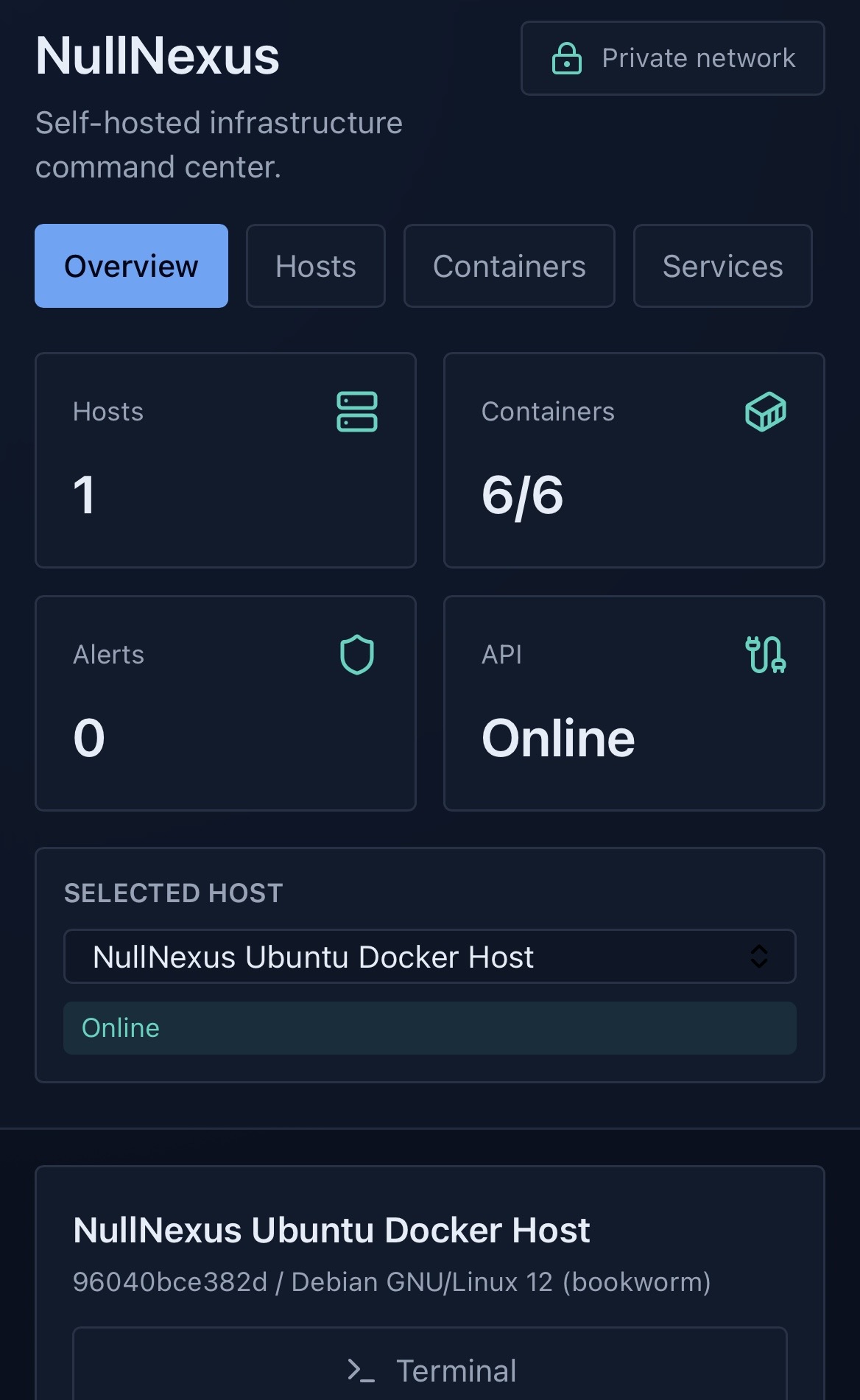
Interface